Jaimy Heijstee
Product Marketing Manager


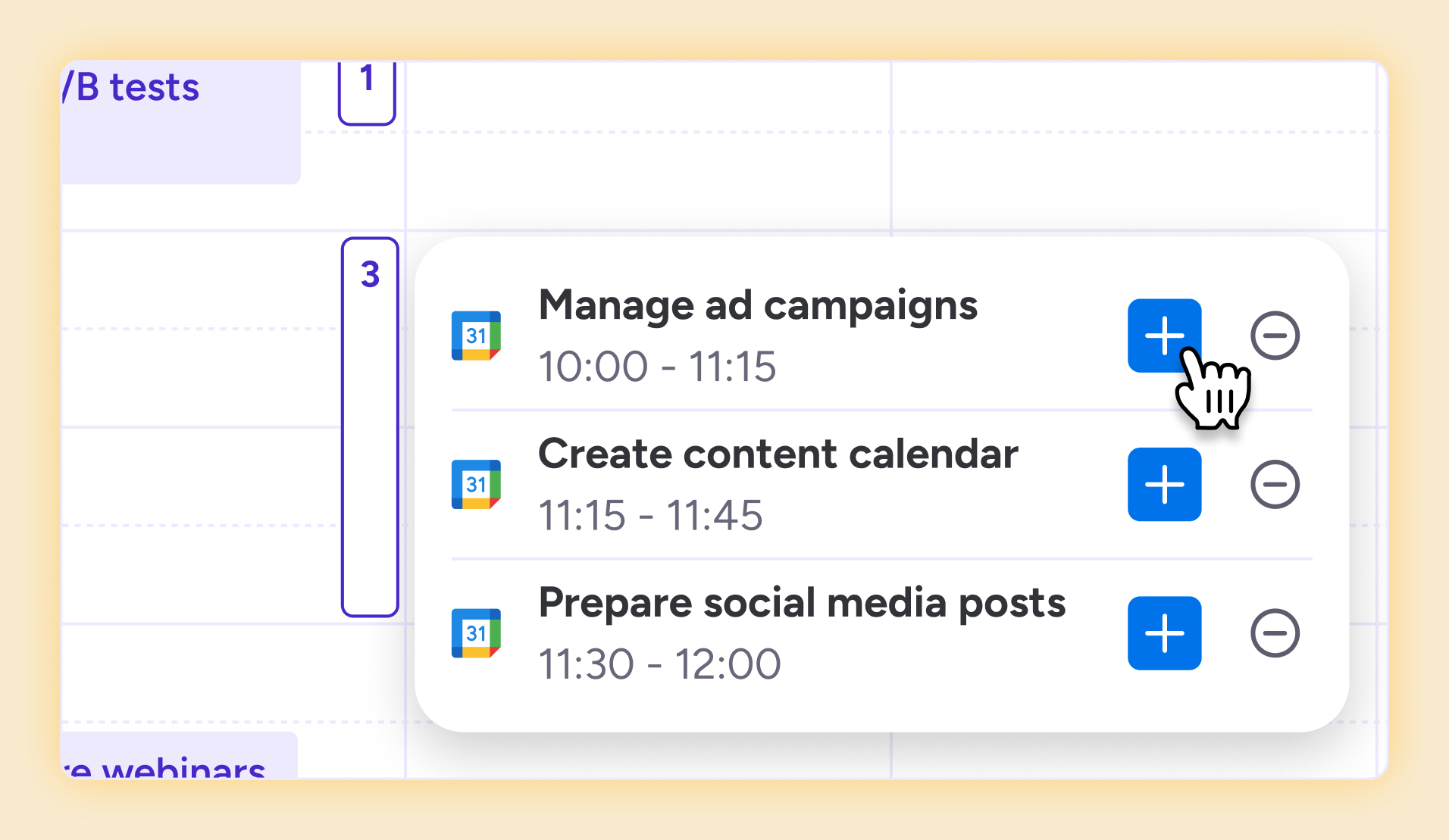
Tracket’s new Calendar Integration lets you fill your timesheets in minutes. Simply use meetings and events from Google Calendar and Outlook. If you already plan your day in your calendar, you’re halfway there. Your events automatically appear as draft time entries in your Tracket calendar view so you can easily review and submit your timesheet without guessing what you did last week.
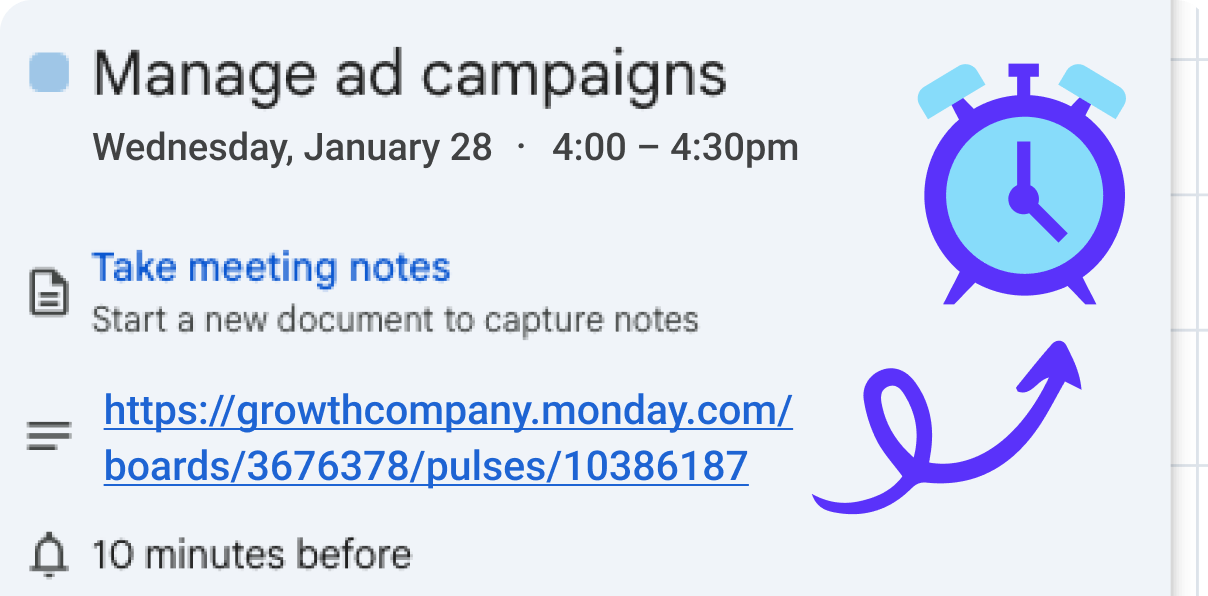
Tracket automatically detects monday.com board and item links in your external calendar description, and fills them in for you. Tracket remembers your previous choices for recurring events, so you only have to log it once, and you're set.
Open Tracket in monday, and select navigate to your personal page.
.png)
Open Integrations and select the calendar you wish to connect.Follow the OAuth to give Tracket access to read your calendar.
.png)
In the Integrations tab, you can select which calendars you wish to be able to see in Tracket. You are only able to import calendars your Google or Outlook account has access to. In the Calendar View, your Google or Outlook calendar will populate your calendar.
.png)
You can log time quickly from your Google or Outlook calendar into Tracket, select the calendar items in your timesheet.
.png)


Avisi Apps B.V.
Nieuwe Stationsstraat 10
6811 KS Arnhem
KvK: 76632490
BTW: NL860713659B01


.svg)
.svg)


We use cookies on our website to enhance your browsing experience. Some of them are essential, others are optional. Because we respect your right to privacy, you can choose not to allow personalized cookies. Learn more
Functional cookies